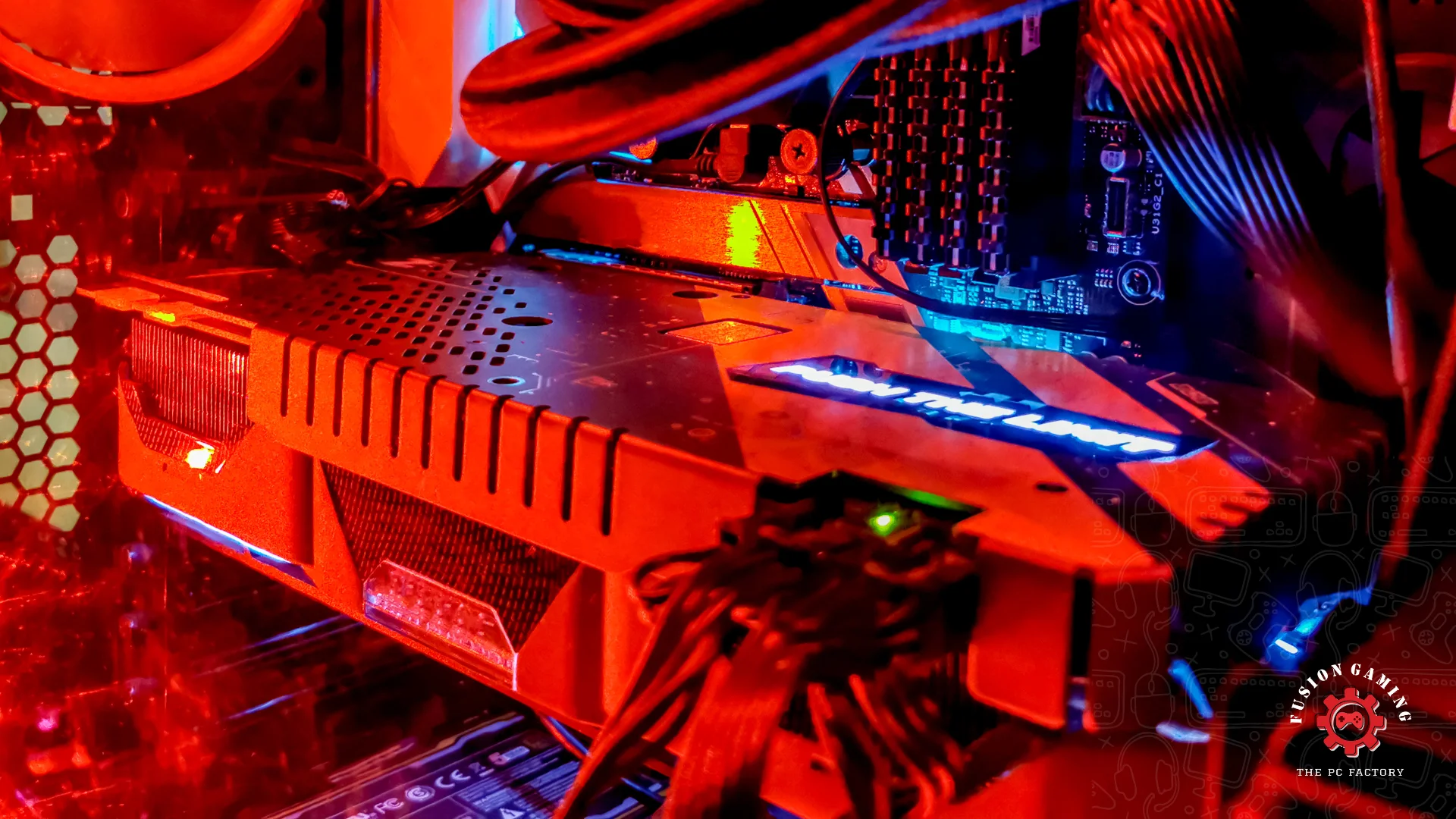
Building your own PC can be an incredibly rewarding experience, offering numerous advantages, but it also comes with its own challenges. Whether you’re a gamer, a professional, or a tech enthusiast, understanding the pros and cons of building your own PC can help you make an informed decision. Here’s a detailed look at what you should consider.
Pros of Building Your Own PC
1. Customization
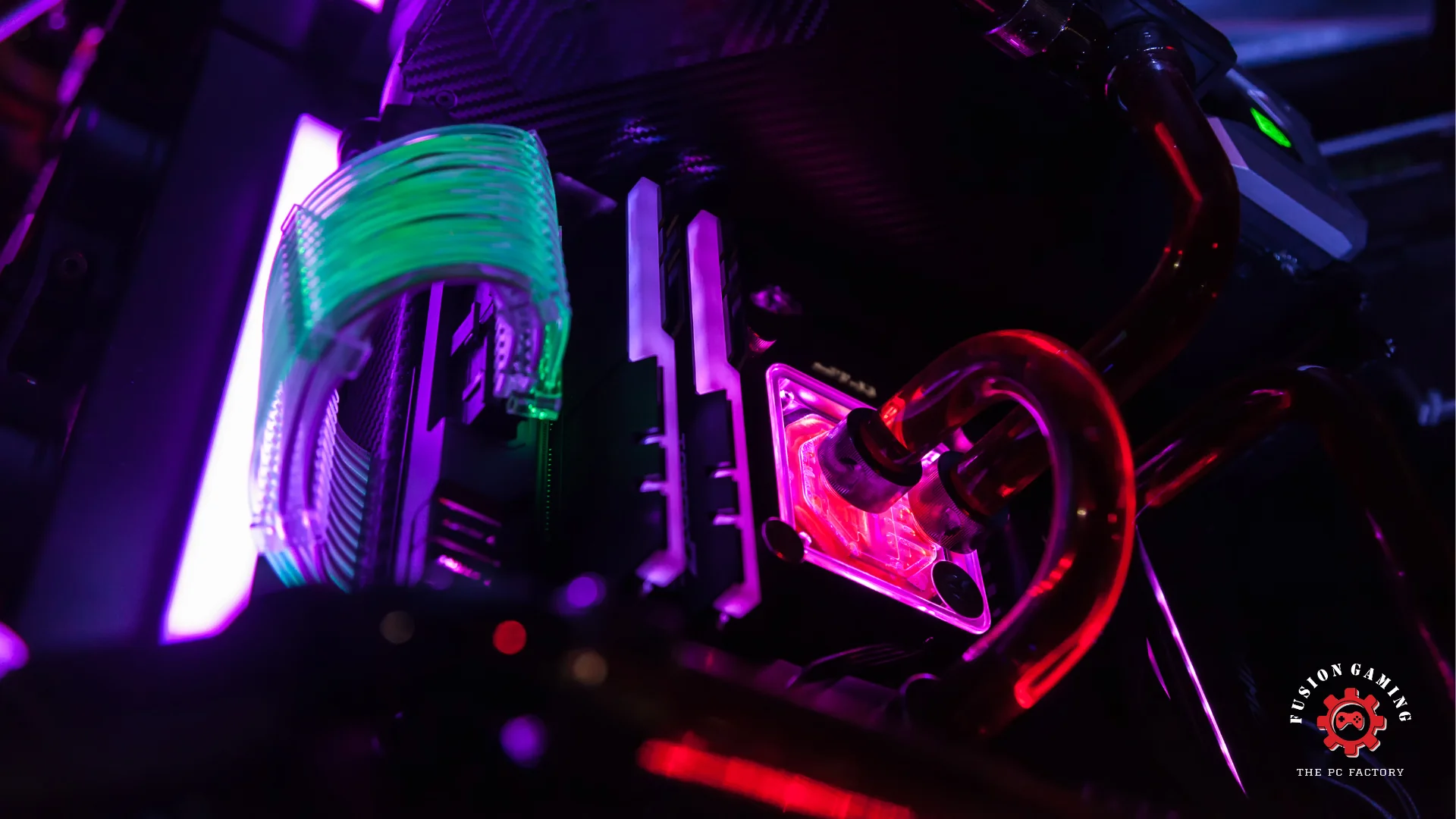
One of the biggest advantages of building your own PC is the ability to customize every component to meet your specific needs. From the CPU and GPU to the case and cooling system, you have complete control over what goes into your machine. This ensures that your PC is tailored exactly to your performance requirements and aesthetic preferences.
2. Cost Efficiency
While the initial cost might seem high, building your own PC can save you money in the long run. By carefully selecting components, you can avoid paying for features you don’t need. Additionally, you can often find deals and discounts on individual parts, which can be more cost-effective than purchasing a pre-built system.
3. Upgradability
A self-built PC is generally easier to upgrade than a pre-built one. Because you know exactly what components are inside, upgrading parts like the GPU, RAM, or storage is straightforward. This extends the lifespan of your machine, as you can keep it up-to-date with the latest technology without having to replace the entire system.
4. Learning Experience
Building your own PC is a valuable learning experience. It enhances your understanding of how computers work, which can be beneficial for troubleshooting and future upgrades. This hands-on knowledge can also be a stepping stone to more advanced projects and even career opportunities in tech.
5. Performance Optimization
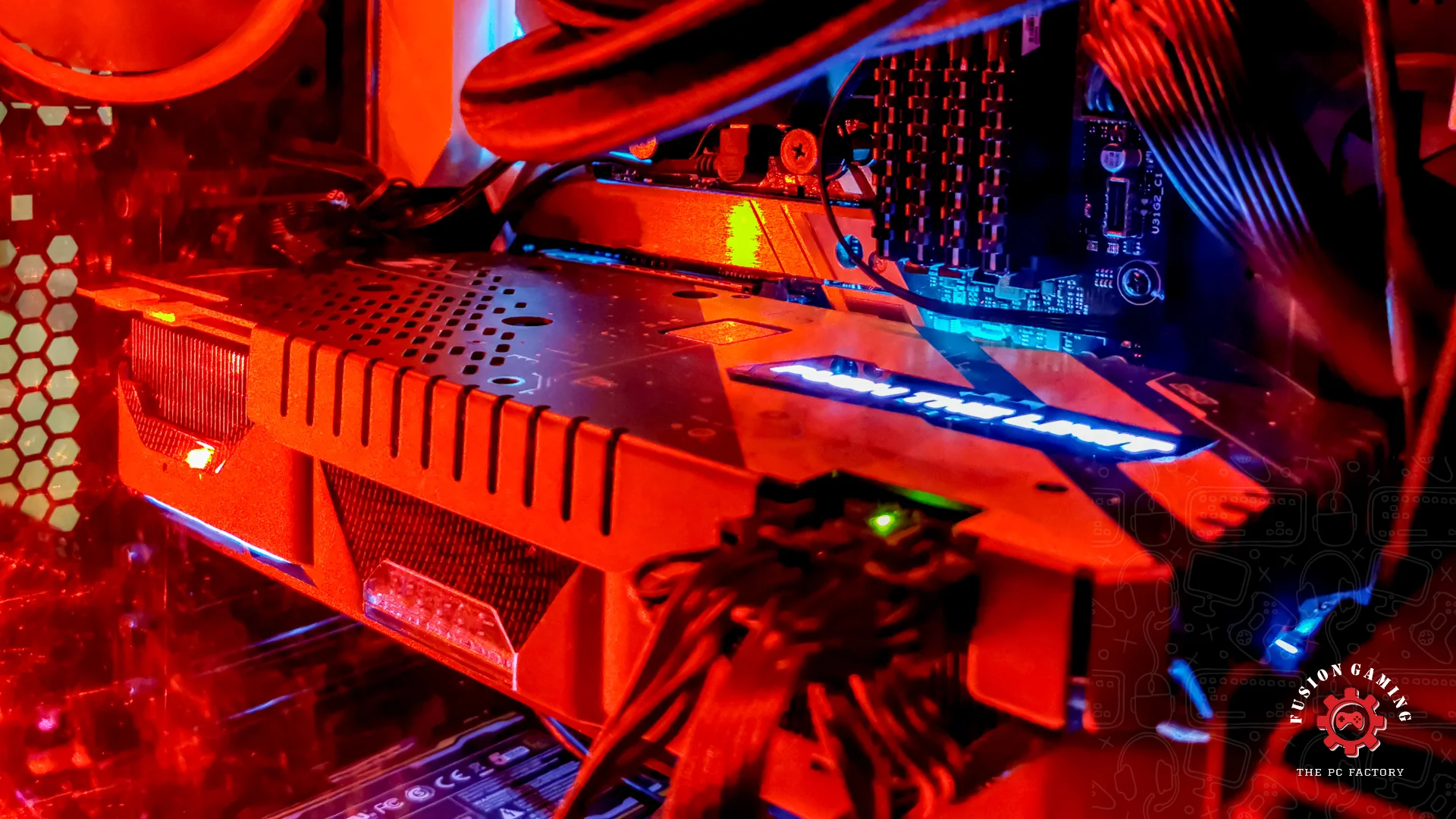
You can achieve better performance than a generic pre-built system by choosing components optimized for your specific use case, whether it’s gaming, video editing, or 3D rendering. Overclocking capabilities and high-end cooling solutions can further enhance your PC’s performance.
Cons of Building Your Own PC
1. Initial Complexity
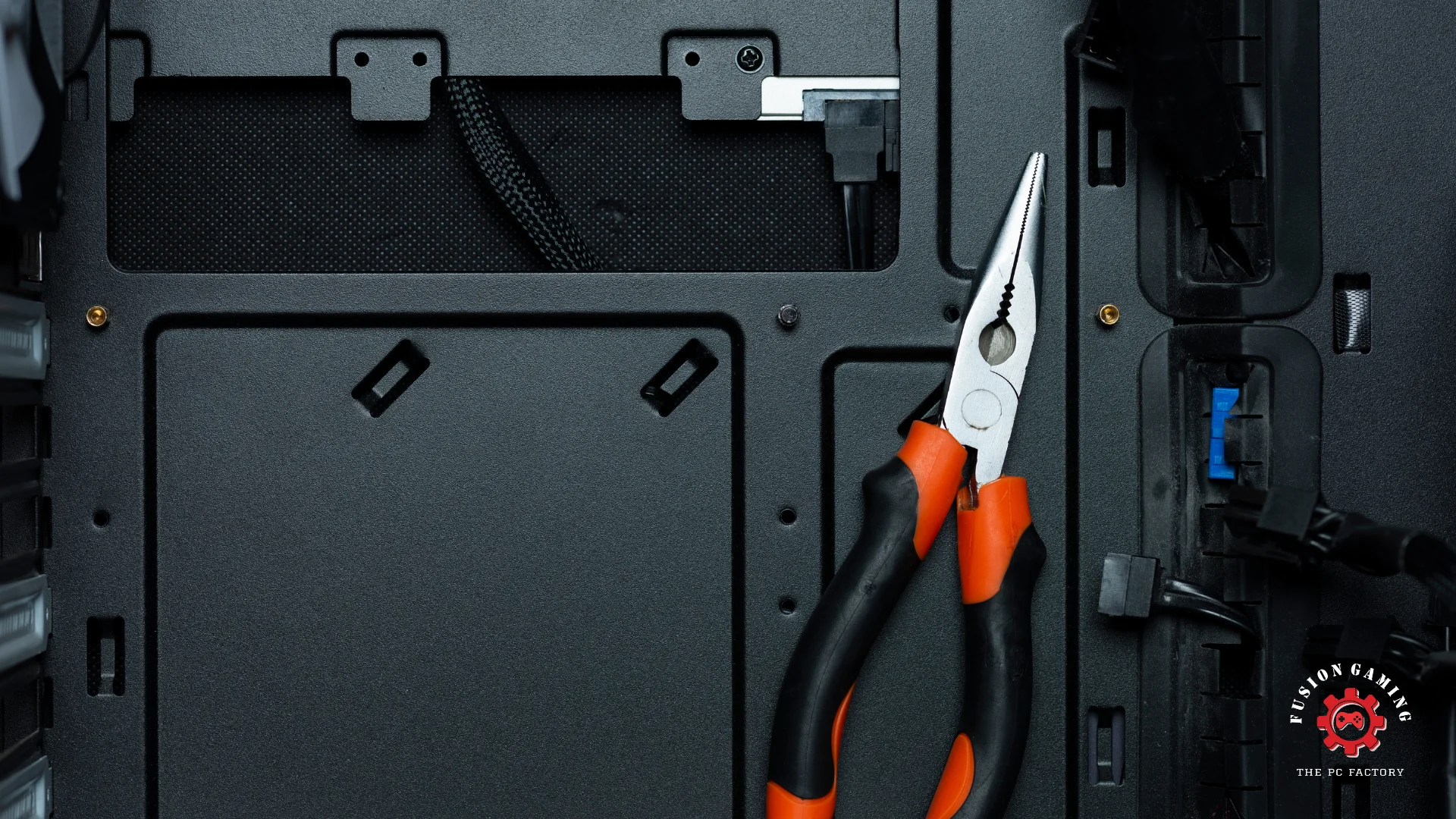
For beginners, selecting compatible components and assembling them can be daunting. Understanding hardware specifications, compatibility, and assembly techniques involves a learning curve. Mistakes during assembly can lead to hardware damage or suboptimal performance.
2. Time-Consuming
Building a PC from scratch can be time-consuming. Researching components, waiting for parts to arrive, and the assembly process can take several hours to days. This might not be the best option for those needing a working computer quickly.
3. Troubleshooting Issues
When building your PC, any issues are your responsibility to resolve. This can range from hardware compatibility issues to software installation problems. While online resources and forums can be helpful, troubleshooting can be frustrating and time-consuming, especially for those without experience.
4. No Manufacturer Support
Pre-built PCs come with a warranty and customer support from the manufacturer. When you build your own, each component has its warranty, but there is no single point of contact for support. If something goes wrong, you must deal with multiple manufacturers, which can complicate the repair process.
5. Initial Cost
While building a PC can be cost-effective in the long run, the upfront cost can be higher than some pre-built options. High-quality components can be expensive and quickly add up, especially if you are aiming for a high-performance machine.
Conclusion
Building your PC offers a unique blend of customization, cost efficiency, and educational value. It allows for better performance optimization and upgradability, making it a favorite among tech enthusiasts and professionals. However, it requires a significant investment of time and effort and a willingness to troubleshoot issues independently. Building your own PC can be highly rewarding if you enjoy hands-on projects and have specific performance needs. However, a pre-built system might be the better choice if you prefer convenience and immediate support. Assess your needs, budget, and technical comfort level to make the best decision for your next computer.