Building your own gaming rig or custom PC can be an extremely rewarding experience. But it also comes with potential pitfalls if you’re not careful. Here are 8 common mistakes to steer clear of when building your next PC:
- Not Doing Enough Research Before ordering any parts, make sure you thoroughly research each component to ensure compatibility. Things like motherboard socket types, RAM speeds, power supply requirements, and CPU/GPU cooling needs are crucial to get right. A bit of upfront research goes a long way.
- Using The Wrong Thermal Paste Application When installing your CPU cooler, use the proper amount of thermal paste and spread it in a thin, even layer. Too little paste leads to poor heat transfer, while too much can cause performance issues.
- Not Managing Cables Properly Poor cable management makes it difficult for air to circulate inside the case. Use zip ties, cable combs, or sleeves to keep cables tidy for optimal airflow and a clean-looking build.
- Choosing an Underpowered PSU Never skimp on the power supply unit (PSU). An inadequate PSU can’t provide enough stable power, especially for high-end components. Always get a quality PSU with enough headroom for your build.
- Installing RAM Incorrectly Make sure to install RAM modules in the correct slots according to the motherboard manual. Using the wrong slots could prevent dual-channel mode from working properly.
- Forgetting Motherboard Drivers/Updates After assembly, don’t forget to install the latest drivers and BIOS updates for your motherboard from the manufacturer’s website. This ensures full functionality and performance.
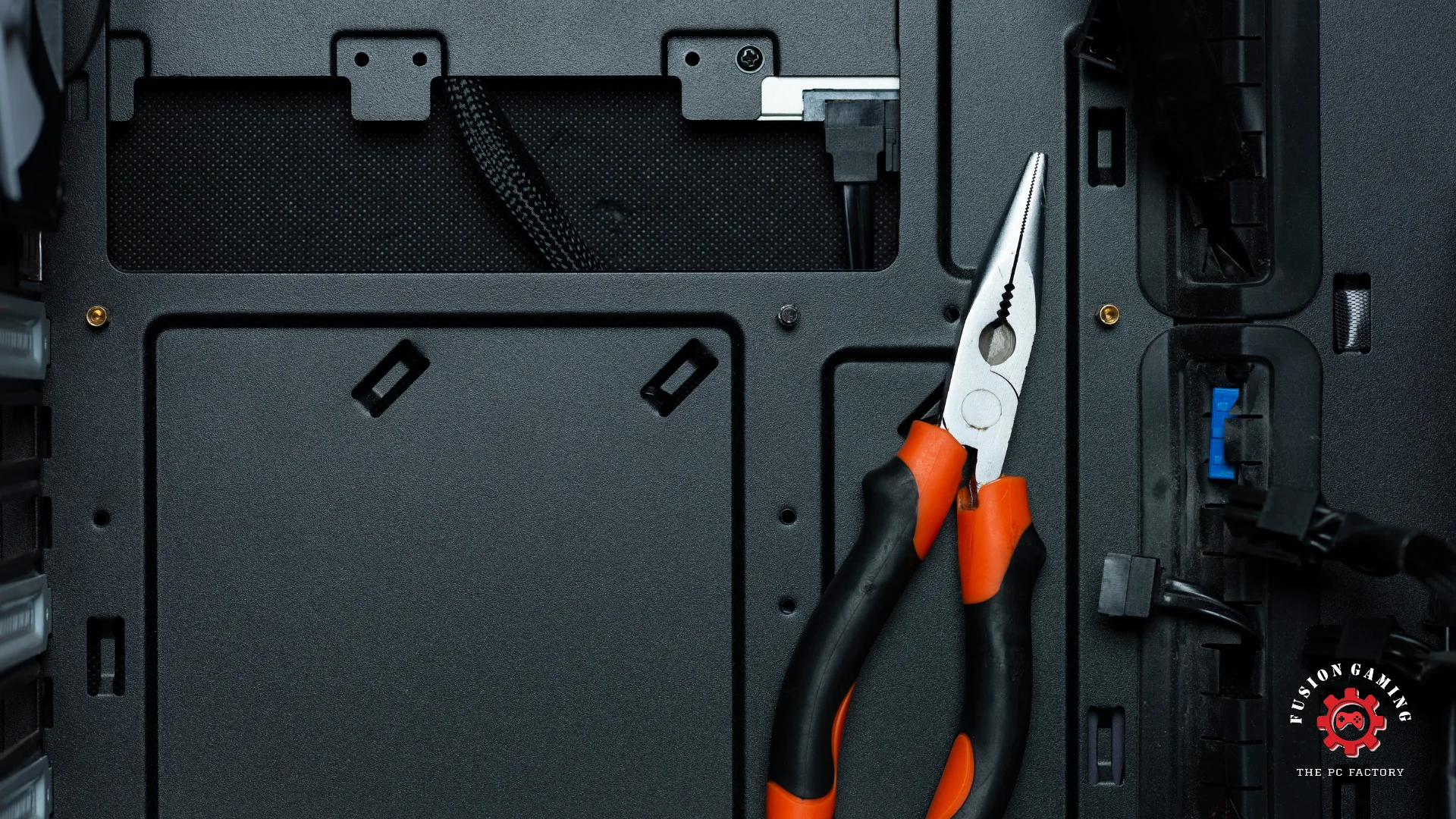
- Using Too Much Force PC components are less fragile than they seem, but excessive force can still damage pins, slots, and other connectors. Take your time, apply even pressure, and don’t force anything.
- Not Stress Testing After Building Once everything is installed, thoroughly stress test your system using tools like Prime95 and FurMark to identify any stability or cooling issues before regular use.
Building a PC is immensely satisfying, but avoiding these 8 common pitfalls makes the process much smoother. With some preparation and attention to detail, your new custom build will run like a dream!