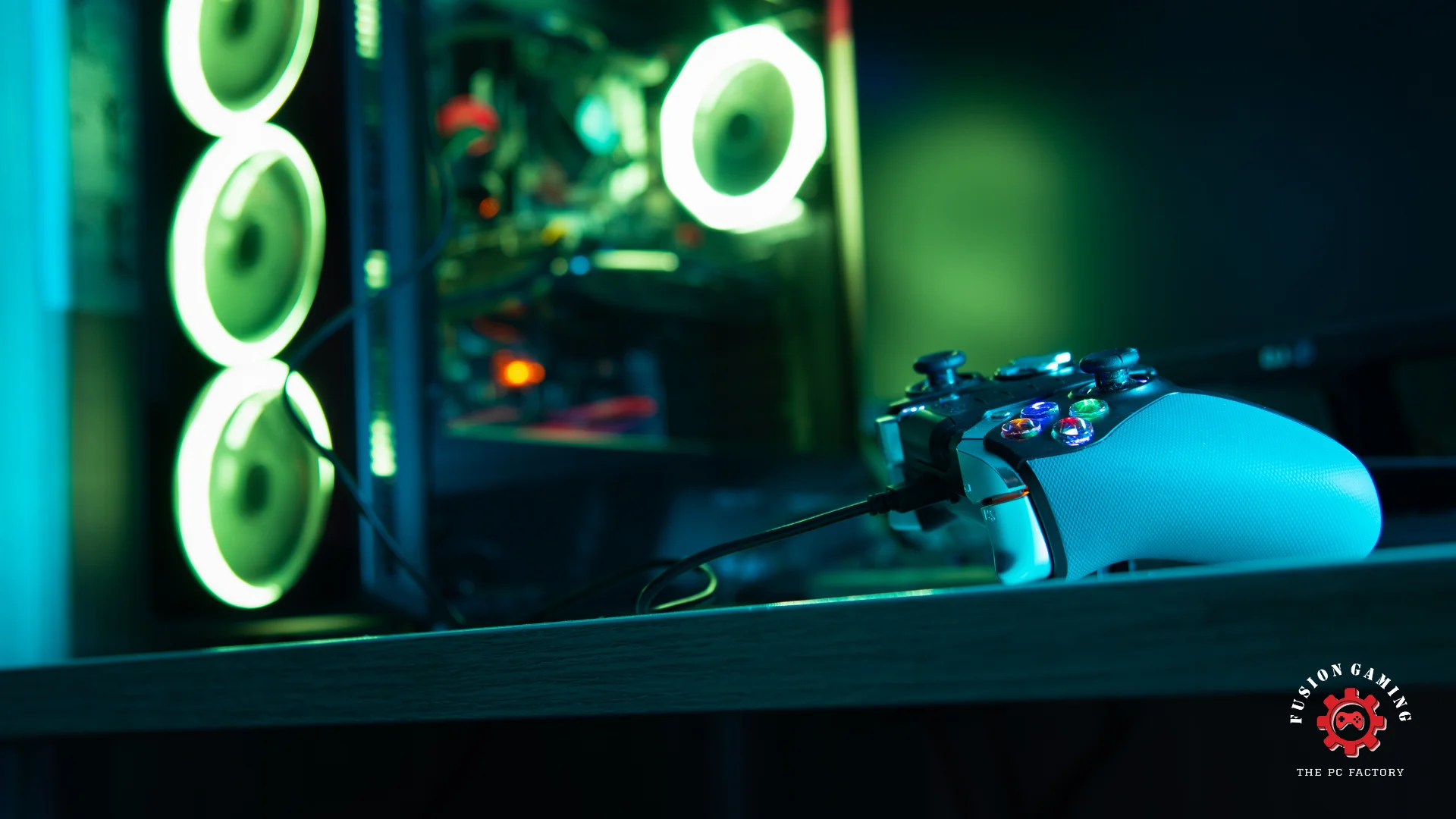
Building a custom gaming PC requires carefully selecting the right components to ensure optimal performance and compatibility. Here are the key components to consider:
CPU (Central Processing Unit)
The CPU, or central processing unit, is the brain of your gaming PC, responsible for executing instructions and handling complex calculations. In gaming, single-threaded performance is crucial, as most games rely heavily on a single core for their main game logic.
Top CPU Recommendations:
- Intel Core i5/i7/i9: Intel’s latest Core processors offer exceptional single-threaded performance, making them a popular choice for gaming.
- AMD Ryzen 5/7/9: AMD’s Ryzen lineup provides a perfect balance of performance and affordability, with many models offering excellent gaming capabilities.
GPU (Graphics Processing Unit)
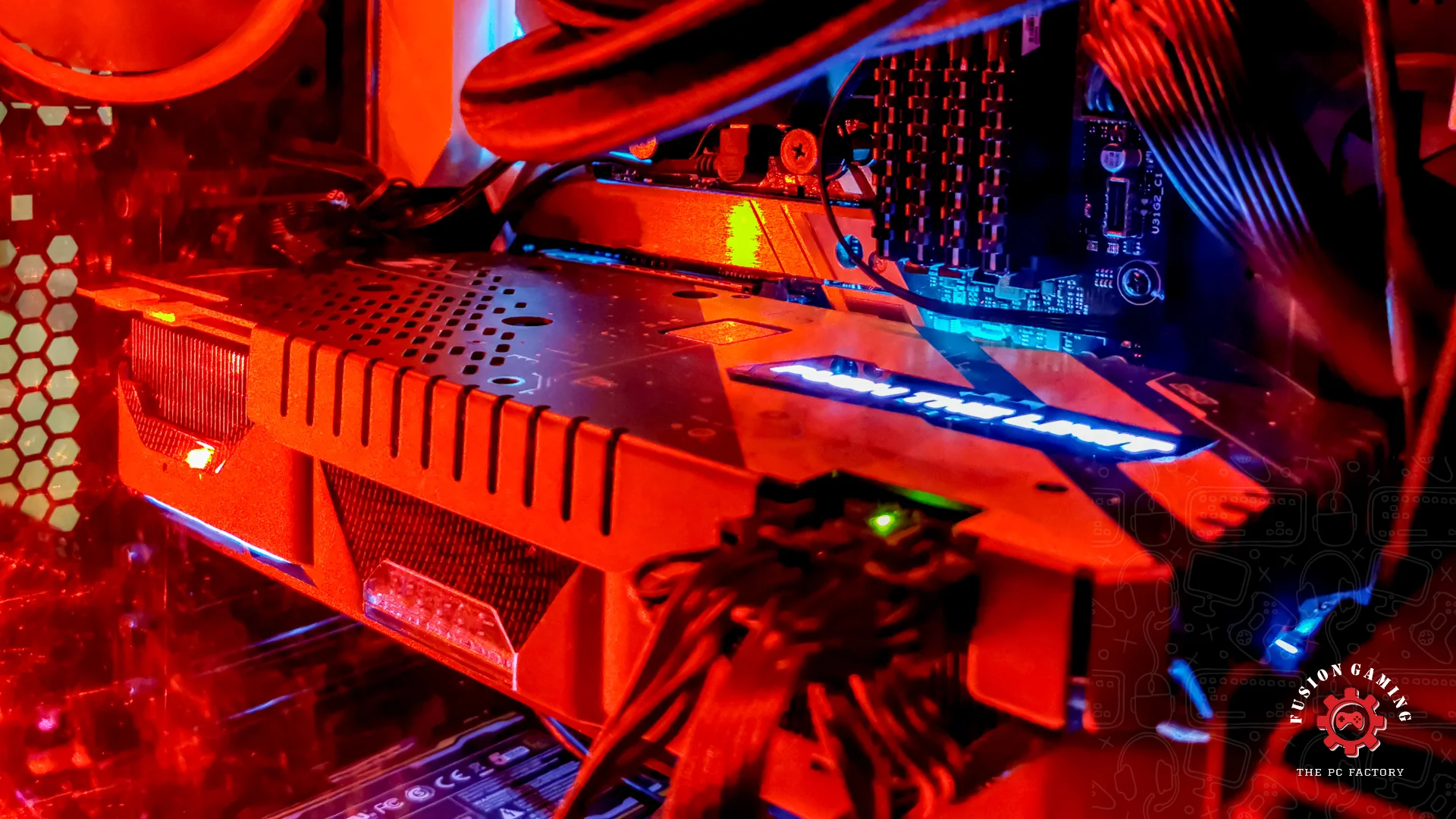
The GPU, or graphics processing unit, is the heart of a gaming PC. It’s responsible for rendering stunning visuals, intricate textures, and complex lighting effects. When selecting a GPU, consider factors such as VRAM (video RAM), core count, and cooling capabilities.
Top GPU Recommendations:
- NVIDIA GeForce RTX Series: NVIDIA’s latest RTX GPUs, such as the RTX 3080 and RTX 3090, offer exceptional performance and support for real-time ray tracing.
- AMD Radeon RX Series: AMD’s Radeon RX GPUs, like the RX 6800 XT and RX 6900 XT, provide impressive performance and value for money.
RAM (Random Access Memory)
RAM, or random access memory, acts as a temporary storage space for your system, allowing it to quickly access and execute instructions. For gaming, you’ll want to prioritize speed and capacity.
Recommended RAM Configuration for Gaming:
- Capacity: 16GB (8GB minimum, 32GB or more for future-proofing)
- Speed: DDR4-3200MHz or higher
Storage
When it comes to storage, you’ll need to strike a balance between speed and capacity. Solid-state drives (SSDs) offer blazing-fast load times but are typically more expensive per gigabyte than traditional hard disk drives (HDDs).
SSD vs. HDD: Weighing Speed vs. Capacity:
- SSD: Ideal for installing your operating system and frequently used applications/games for lightning-fast load times.
- HDD: Suitable for storing large game libraries, media files, and backups due to their higher capacity and lower cost per gigabyte.
M.2 NVMe SSDs for Blazing-Fast Load Times:
Consider investing in a high-speed M.2 NVMe SSD for your primary drive, as these can offer significantly faster read/write speeds than traditional SATA SSDs.
Motherboard
The motherboard is the backbone of your gaming PC, connecting and coordinating all the components. When choosing a motherboard, consider factors such as the chipset, form factor, expansion slots, and future upgradability.
Choosing the Right Chipset and Form Factor:
- Chipset: Select a chipset that supports your desired CPU and offers the features you need (e.g., overclocking, multiple GPU support).
- Form Factor: ATX (full-sized), Micro-ATX, or Mini-ITX, depending on the size of your desired case and expansion requirements.
Expansion Slots and Future Upgradability:
Look for motherboards with ample expansion slots (PCIe, M.2, SATA) to accommodate future upgrades, such as additional GPUs or storage drives.
Power Supply Unit (PSU)
The power supply unit (PSU) is responsible for providing stable and efficient power to all your components. When selecting a PSU, consider your system’s power requirements and choose a reputable brand with high efficiency ratings.
Calculating Power Requirements:
Use online PSU calculators or manufacturer recommendations to determine the minimum wattage required for your system, factoring in headroom for future upgrades and overclocking.
Efficiency Ratings and Reputable Brands:
Look for PSUs with high efficiency ratings (80 PLUS Gold or higher) from reputable brands like Corsair, EVGA, Seasonic, or Cooler Master to ensure reliable and efficient power delivery.
Cooling Solutions
Proper cooling is essential for maintaining optimal performance and longevity of your gaming PC components. You’ll need to consider both CPU and GPU cooling solutions.
Air vs. Liquid Cooling:
- Air Cooling: Traditional air coolers, such as tower-style CPU coolers and GPU fans, are affordable and effective for most builds.
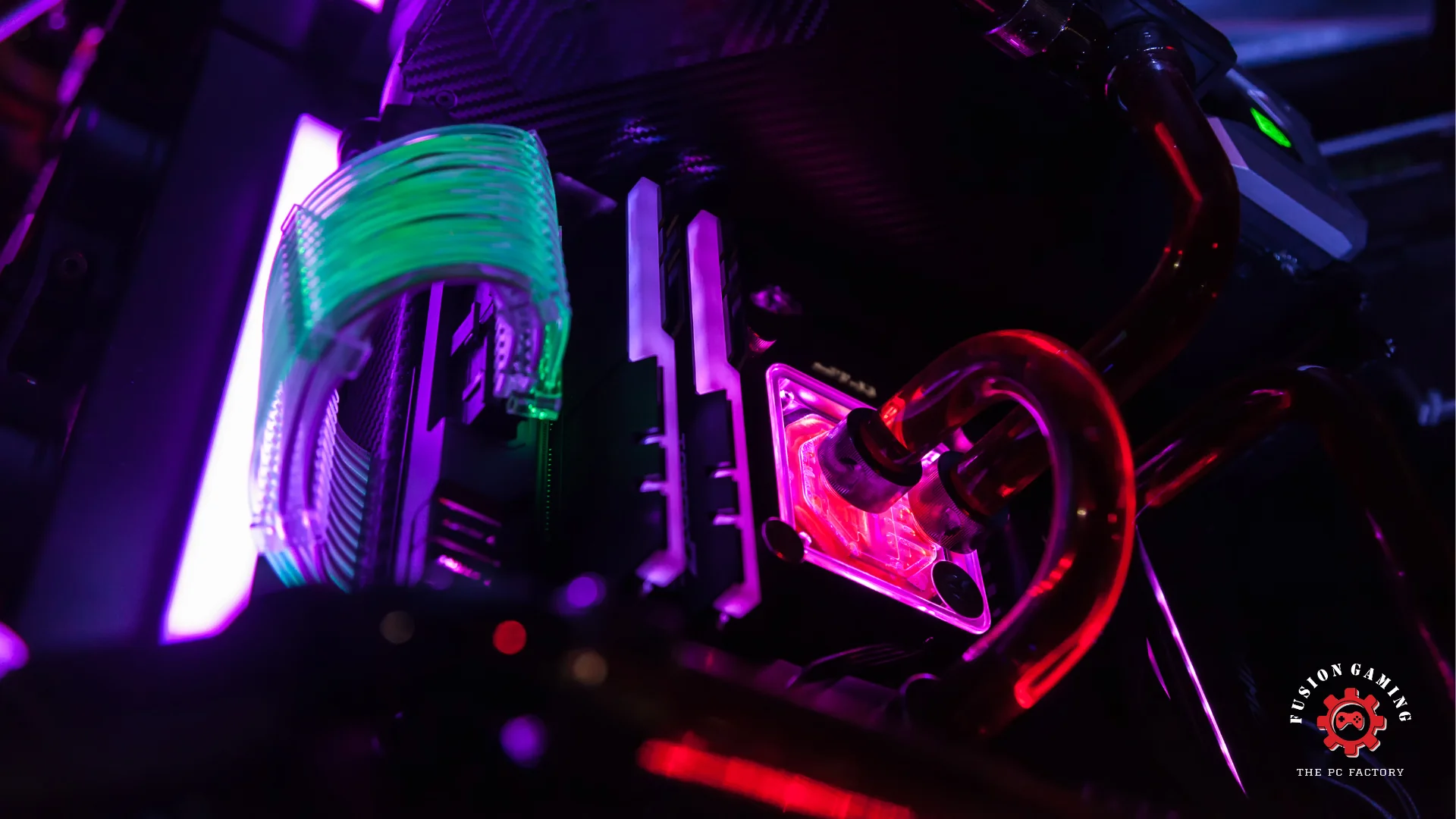
- Liquid Cooling: All-in-one (AIO) liquid coolers or custom water cooling loops offer superior cooling performance but are more expensive and complex to set up.
Top CPU and GPU Cooler Recommendations:
- CPU Air Coolers: Noctua NH-D15, be quiet! Dark Rock Pro 4, Cooler Master Hyper 212 Evo
- CPU Liquid Coolers: NZXT Kraken X63, Corsair H150i Elite Capellix, EK-AIO Basic
GPU Air Coolers: EVGA FTW3 Hybrid, ASUS ROG Strix, MSI Gaming X Trio
Conclusion
Building a custom gaming PC allows you to create a system tailored to your exact needs and preferences for the ultimate gaming experience. Carefully selecting the right components like the CPU, GPU, RAM, storage, and cooling solutions is crucial for achieving top performance and future upgradability.
While it requires an upfront investment, a custom-built PC offers long-term value through customization, upgradability, and cost-effectiveness. Embrace the challenge and pride of building your dream gaming rig to unleash unparalleled power and immersion.