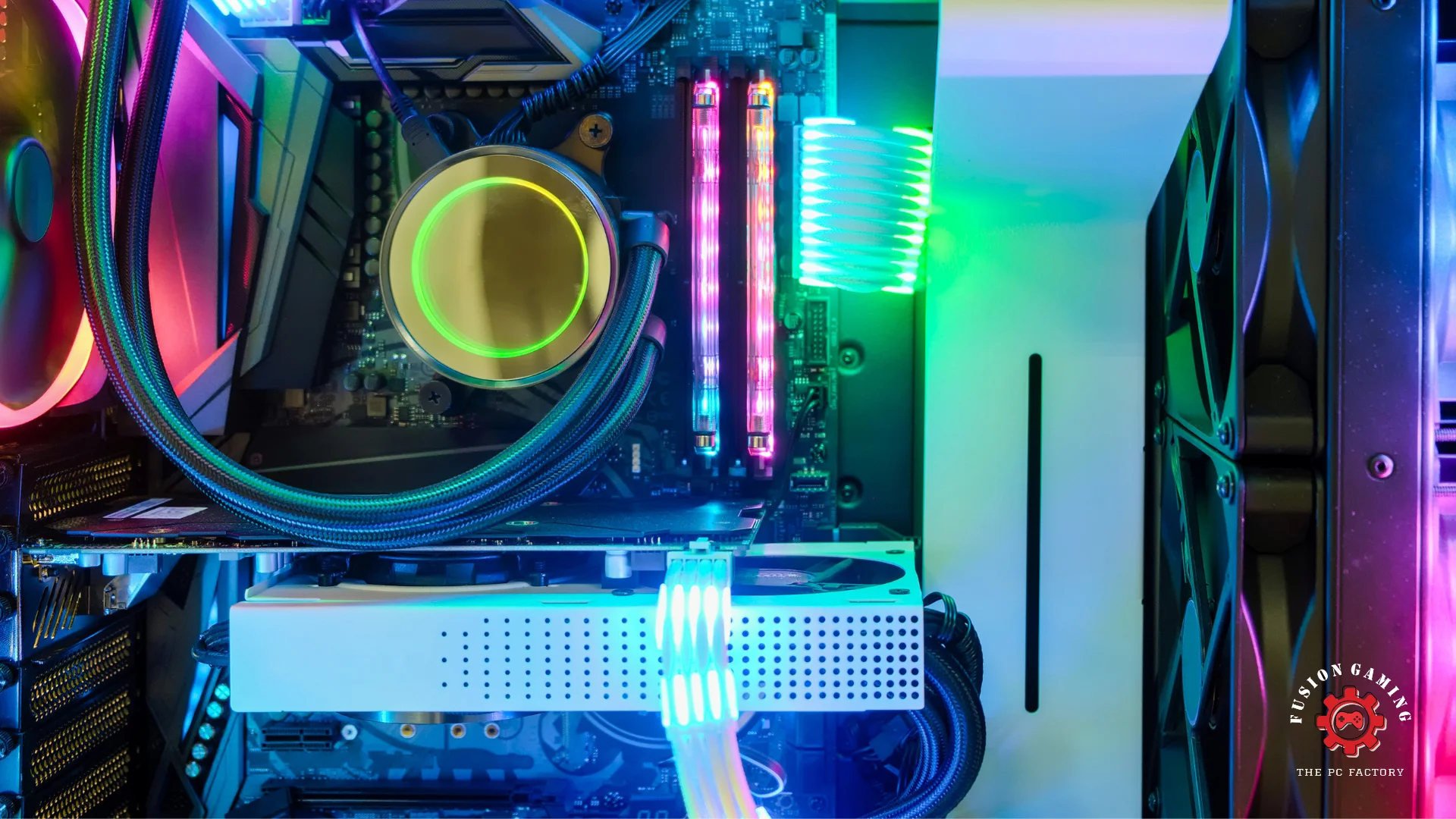
A powerful gaming PC is essential if you’re a serious gamer. But with so many components and configurations available, choosing the right one can be overwhelming. Fear not! We’ve compiled this comprehensive guide to help you select the ultimate gaming rig that will keep you fragging like a pro.
- Processor (CPU): The Brain of Your Gaming Machine The processor is the beating heart of your PC, handling all the complex calculations required for gaming. You’ll want a top-of-the-line CPU from Intel or AMD for seamless performance. The latest generations, like Intel’s 13th Gen or AMD’s Ryzen 7000 series, are excellent choices for gaming.
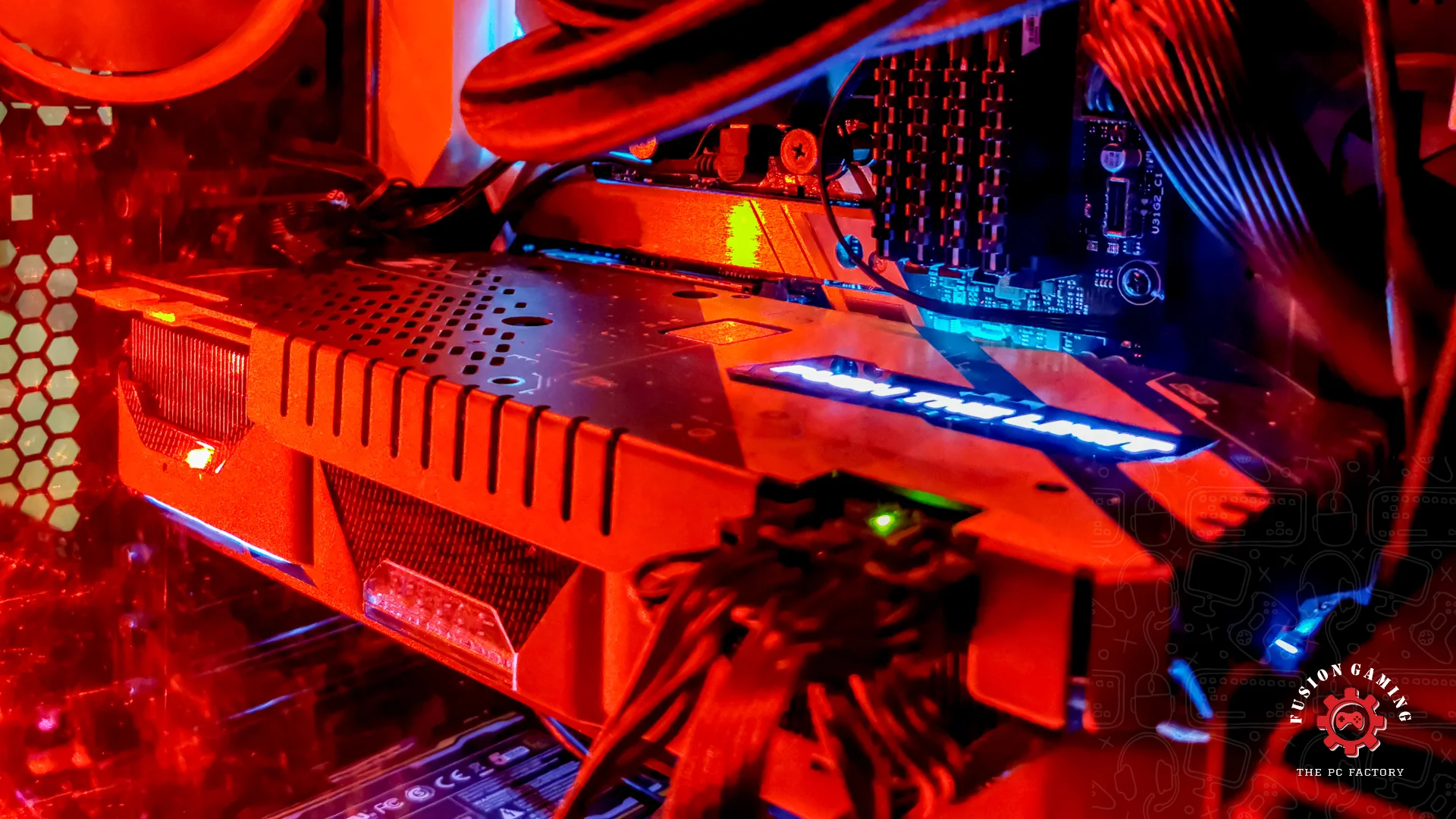
- Graphics Card (GPU): The Key to Stunning Visuals The graphics card is arguably the most crucial component for gaming. It’s responsible for rendering all those breathtaking graphics and special effects. Nvidia and AMD are the two major players here, with offerings like Nvidia’s RTX 40 series and AMD’s Radeon RX 7000 series leading the pack.
- RAM: More Is Better for Multitasking RAM (Random Access Memory) is like your PC’s short-term memory, allowing it to handle multiple tasks at once. For gaming, you’ll want at least 16GB of RAM, but 32GB or more is ideal if you plan on running other demanding applications alongside your games.
- Storage: Blazing-Fast Loads with SSDs Nobody likes waiting for games to load, so you should opt for a solid-state drive (SSD) for your primary storage. SSDs are faster and more reliable than traditional hard disk drives (HDDs). A large-capacity HDD can serve as secondary storage for your game library.
- Power Supply Unit (PSU): Don’t Skimp on Quality The power supply unit (PSU) is the unsung hero that keeps your PC running smoothly. Make sure to choose a reliable PSU from a reputable brand with enough wattage to handle your system’s power requirements, plus some headroom for future upgrades.
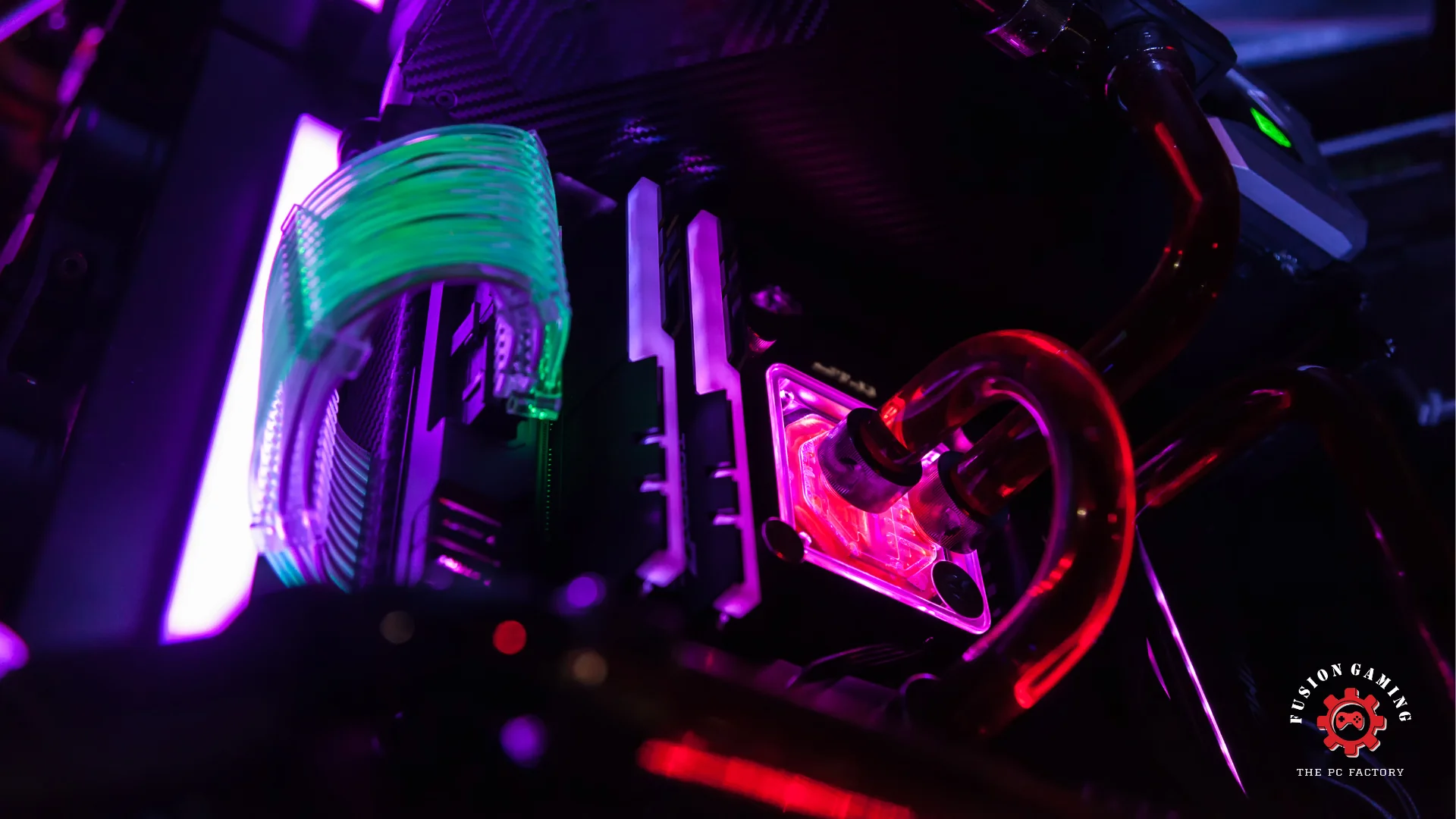
- Cooling: Keep Your Temps Low for Peak Performance High-end gaming components generate much heat, which can throttle performance if not managed properly. Invest in a robust cooling solution, such as a liquid cooler or a high-quality air cooler, to keep your system running at optimal temperatures.
- Case and Aesthetics: Look Good, Play Good. While not strictly performance-related, your chosen case can impact airflow, cable management, and overall aesthetics. Pick a spacious case with good airflow and customize it with RGB lighting and other visual flair to match your gaming style.
- Monitor: Don’t Bottleneck Your Experience A top-notch gaming PC deserves an equally impressive monitor. Look for high refresh rates (144Hz or higher), low response times, and technologies like G-Sync or FreeSync to eliminate screen tearing and stuttering.
- Peripherals: Elevate Your Gaming Experience Complete your gaming setup with high-quality peripherals like a gaming mouse, keyboard, and headset. These can significantly enhance your control, immersion, and overall gameplay experience.
- Future-Proofing: Plan for Upgrades Down the Line While building a gaming PC, it’s wise to consider future upgradability. Choose components and a case that will allow you to swap out parts as technology evolves, extending the lifespan of your rig.
Building or buying a gaming PC is an investment that will pay dividends in the form of unparalleled gaming experiences. Follow these tips, and you’ll be well on your way to assembling a gaming powerhouse that will keep you at the top of your game for years.